
While doing an AI-XR project course that uses Godot at my university and I managed to get my hands on a Meta Quest 3 VR headset! This is my first time working with VR technology and I love it, since the immersion is amazing.
Unfortunately (or fortunately?), Meta/Facebook does not like Linux and setting up the Quest 3 to be used with Linux was not a walk in the park, because you cannot easily connect it to Linux and SteamVR also does not support Meta’s headsets.
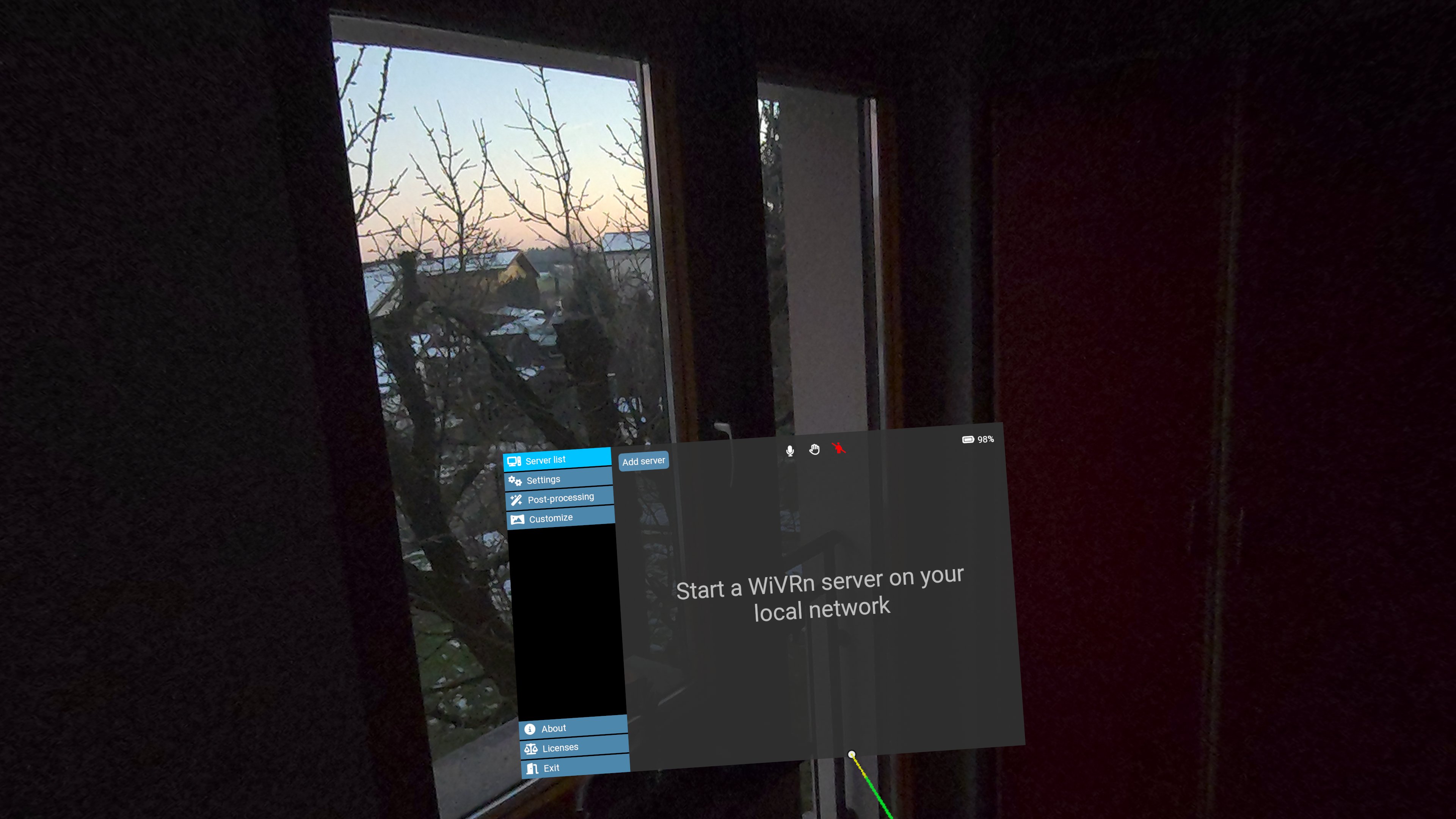
What you want to use is WiVRn! It’s the software that’s going to allow you to connect your Linux machine with your Meta Quest. Download the app on Flatpak and on your VR-Headset and then run:
systemctl enable --now avahi-daemon
and open your PC’s firewall for ports 5353 and 9757, which can be done easily in the Firewall app on Linux Mint. And that’s pretty much it! This is all that is needed to setup the connection between your headset and your PC.
While I used to play VRChat in the past, it is quite a hassle to get it working on my PC and sadly my GPU is not powerful enough to run it in VR. And this lead me to look for alternatives!
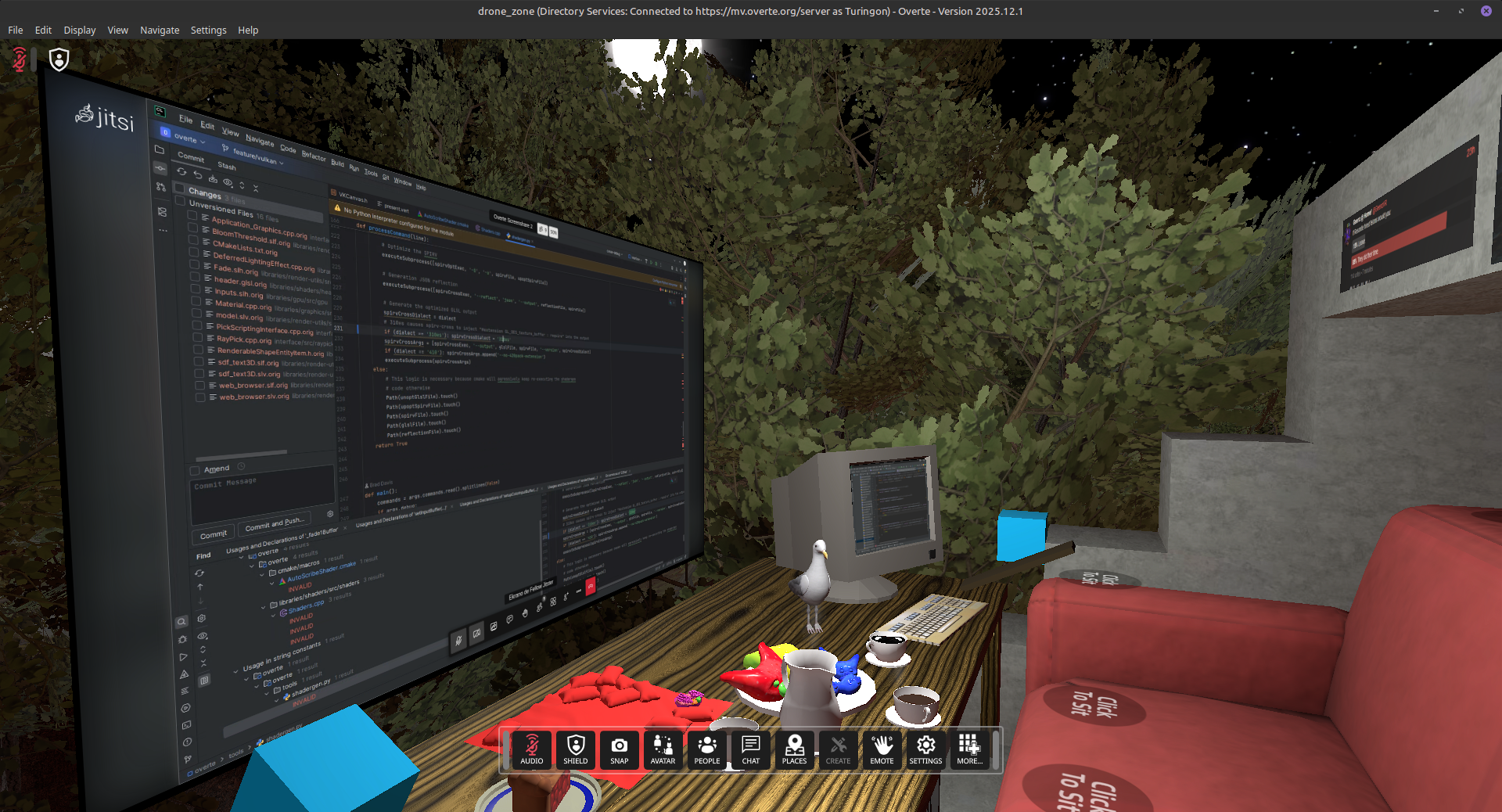
I found Overte! It is an open-source virtual worlds and social VR software and it supports Linux natively and works quite well on my old machine! It’s a great alternative to VRChat, you can even directly import avatars from Blender, no need for Steam, host your own worlds, excellent documentation, it has community translations, tracks your hands by deafult and so much more. If you want to play Overte with a VR-headset on Linux, just make sure to add --useExperimentalXR as a command line argument when starting the program. The only drawback is that there aren’t as many worlds and users as on VRChat.
Finally I started watching Muddy Wolf’s Godot VR tutorial series and it taught me all the Godot VR basics that I need to know and that I’ll be able to apply in the university project.
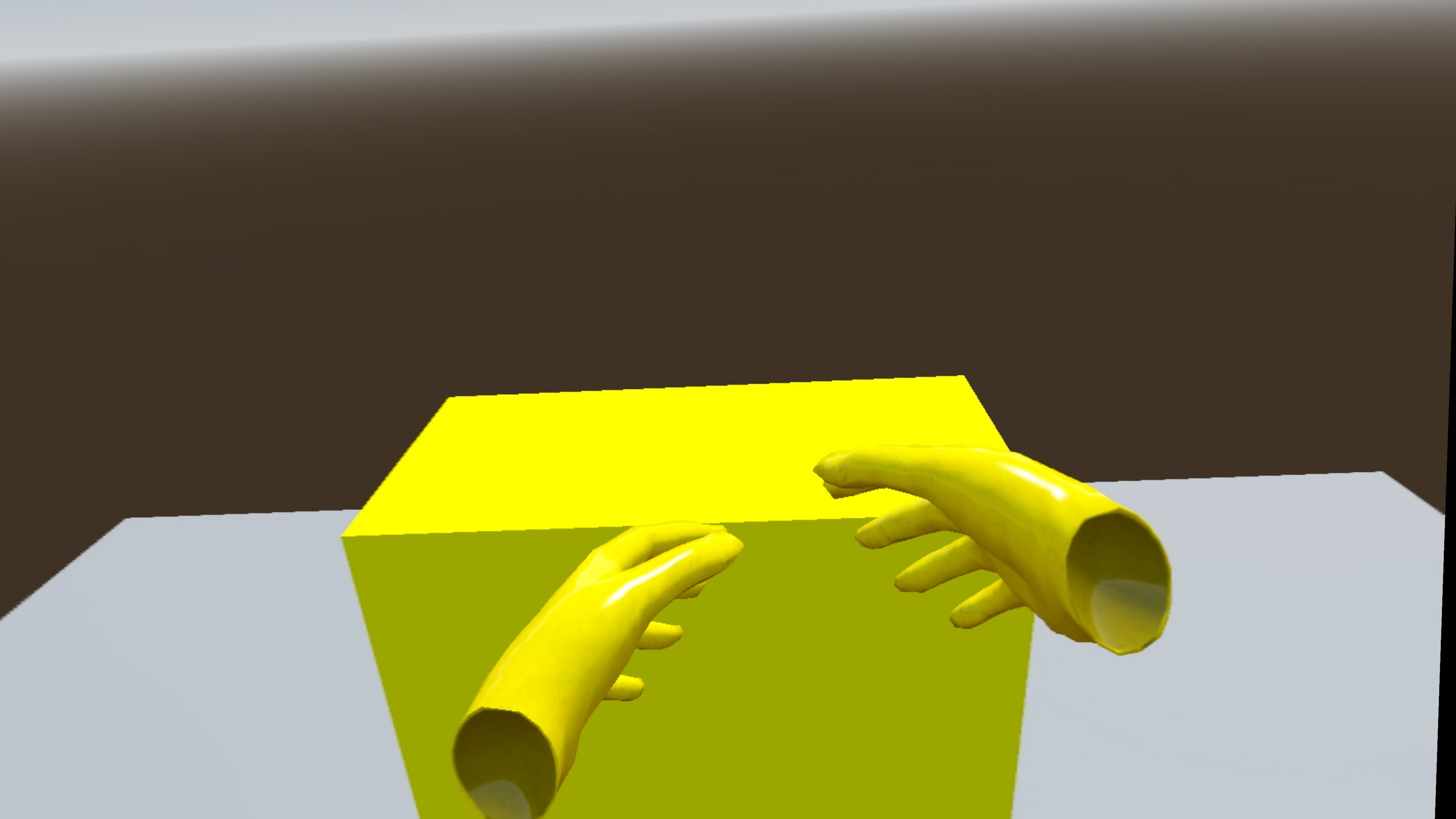
It was a lot of trouble getting Godot to work with Linux, but thanks to WiVRn and correctly setting up the XR viewport, it finally works! This means I and others will not need to go to windows to test the VR functionality. Below is also the exported version of this demo programme which should work on most browsers:
I now seriously have the desire to make my own VR headset one day, make an Esperanto translation of Overte and create my own avatar, VR is really inspiring!
Reply by Email